Compact 65% Wireless Keyboard: RGB, Hot-Swap, Multi-Device
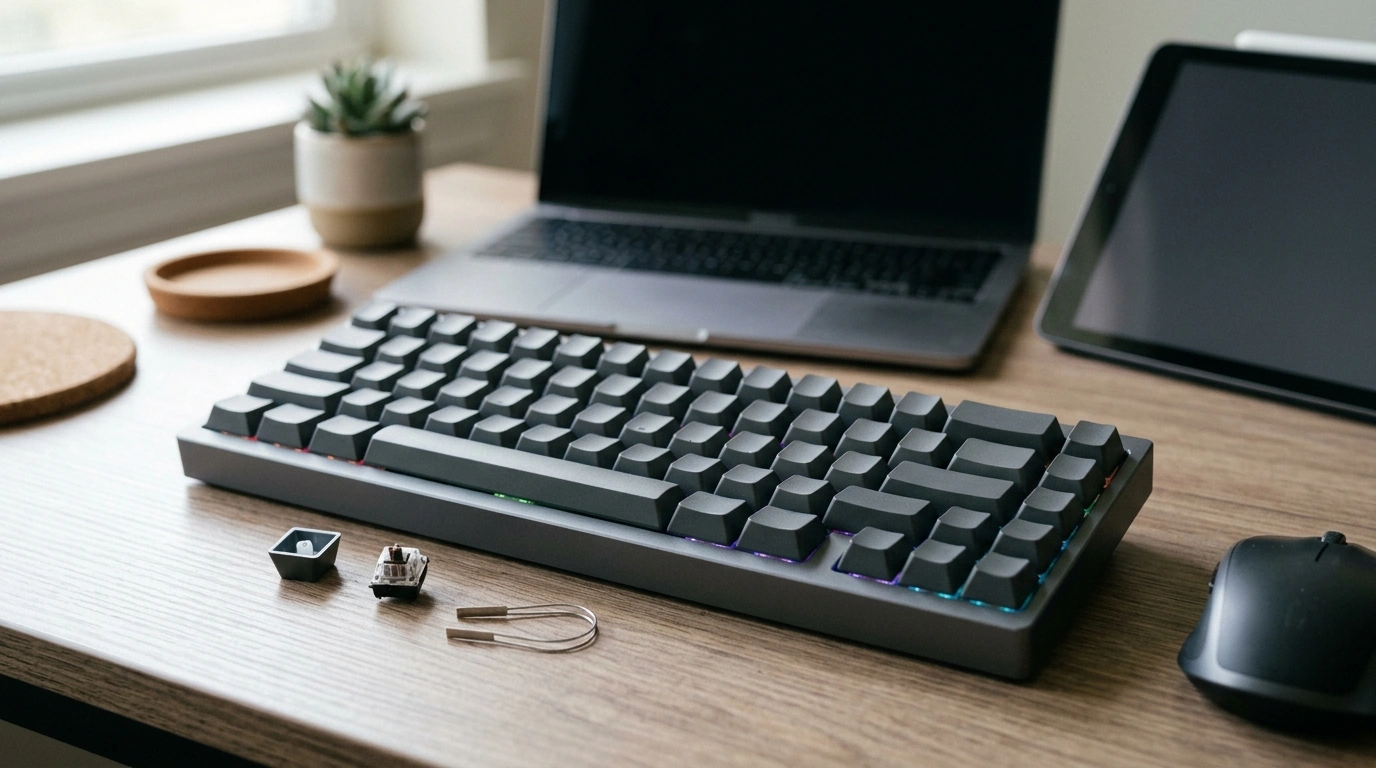
Why a compact 65% keyboard clears space without feeling cramped
A 65% layout is a practical middle ground when you want a smaller keyboard but don’t want to give up everyday navigation. You keep the essentials—dedicated arrow keys and a tight navigation cluster—while losing the numpad and extra spacing that pushes your mouse hand farther out. The result is a cleaner desk footprint that works well for writing, editing, gaming, and hybrid work.
Our Compact 65% Wireless Mechanical Keyboard with RGB, Hot Swap & Multi-Device Connectivity is built around that “just enough keys” idea, then adds the features that make it easy to live with across multiple devices: wireless flexibility, quick switching, customizable lighting, and hot-swappable switches so you can change the feel later without replacing the whole board.
What makes a 65% keyboard the “sweet spot”
- More compact than a tenkeyless board, with a tighter footprint that reduces your reach to the mouse.
- Keeps dedicated arrow keys for editing, spreadsheets, and general navigation—so you’re not forced into layers for basics.
- Fits neatly into small desks, couch setups, and travel bags while still feeling like a capable daily driver.
- Makes sense for multi-device life: one keyboard can serve a desktop at home and a laptop or tablet on the go.
Wireless + multi-device connectivity for real-world setups
Most of us don’t live on a single computer anymore. You might have a desktop for deep work, a laptop for moving around, and a phone or tablet for quick replies. Multi-device pairing is designed for that reality: you pair once, then switch when you need to.
- Multi-device pairing supports quick switching between a main computer and a secondary device like a laptop, phone, or tablet.
- Wireless freedom keeps your desk cleaner and makes it easier to reposition the keyboard for gaming, writing, or using a drawing tablet.
- If your setup includes a stationary desktop, using a wired mode (when supported) can be a straightforward routine for uninterrupted sessions and charging.
- Tip for smoother switching: standardize key shortcuts across devices (same OS hotkeys, similar app bindings) so your hands don’t need to “relearn” context.
For background on the standards that make modern wireless and wired connections work across devices, see the Bluetooth Core Specification (Bluetooth SIG) and USB specifications (USB-IF).
Hot-swap switches: change the feel without committing
Hot-swap support is the difference between “I’m stuck with these switches” and “I can tune this keyboard over time.” With compatible mechanical switches, you can remove and replace them without soldering. That’s useful whether you’re chasing a specific sound signature, dialing in a softer keypress for long writing sessions, or simply swapping a single switch that starts acting inconsistent.
- Hot-swap sockets let you change compatible switches without soldering, so you can evolve the feel instead of replacing the board.
- Choose lighter linear switches for fast presses, tactile switches for feedback while typing, or clicky switches if you prefer audible confirmation.
- A simple way to explore: experiment one key cluster at a time (WASD, arrows, modifiers) so you can immediately feel the difference.
- Maintenance is easier: if one switch becomes unreliable, replacement is typically simpler than servicing the entire keyboard.
RGB lighting that’s functional, not just flashy
RGB can be aesthetic, but it can also be practical. A subtle, dim profile helps you find keys during late-night work without lighting up the whole room. And on some boards, lighting can double as a quick status indicator (modes, profiles, connection state) so you know what the keyboard is doing at a glance.
- Match your room, PC build, or workspace mood—single-color glow is often the most comfortable for long sessions.
- When supported by firmware, lighting can provide quick visual feedback for mode/profile/connection state.
- For productivity, keep lighting restrained: lower brightness, pick a neutral tone, and save animated effects for after hours.
Quick comparison: why this keyboard fits compact, multi-device desks
| Need | What to look for | Why it matters on a 65% wireless board |
|---|---|---|
| Small desk or travel setup | 65% layout | More mouse room and easier packing without losing arrow keys |
| One keyboard, multiple devices | Multi-device connectivity | Switch between systems without unplugging or re-pairing repeatedly |
| Custom typing feel | Hot-swappable switch sockets | Experiment with switches or replace a single switch if needed |
| Late-night use or desk ambiance | Adjustable RGB lighting | Improves visibility and personalization without external lamps |
Who this keyboard is for
Setup notes for a smoother day-to-day experience
Product availability and a few other in-stock picks
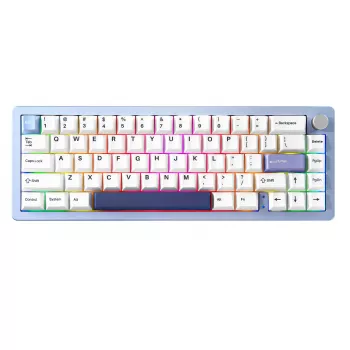
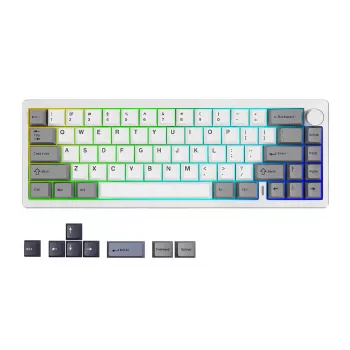
Our team currently has the Compact 65% Wireless Mechanical Keyboard with RGB, Hot Swap & Multi-Device Connectivity available, and it’s best suited when you want a compact layout, wireless flexibility, and the option to change switch feel later.
FAQ
Does a 65% keyboard still have arrow keys?
Yes. Most 65% layouts keep dedicated arrow keys along with a compact navigation cluster, while removing the number pad and tightening spacing to save desk space.
What does hot-swappable mean on a mechanical keyboard?
It means compatible mechanical switches can be removed and replaced without soldering, so you can customize feel and sound over time or swap a single switch if one starts misbehaving.
How does multi-device connectivity help day to day?
It lets you pair the keyboard with multiple devices and switch between them, so you can use one keyboard for a desktop, laptop, or tablet without constant unplugging or repeated pairing steps.










Leave a comment